ShadoApps
PackagesWorkToolsAboutContact
  • Packages
  • Work
  • Tools
  • About
  • Contact

ShadoApps

Clear requirements, interactive prototypes, and technical representation — plus tools we build ourselves.

Support links

  • About
  • Privacy policy
  • Terms of service
  • Refund policy
  • Contact

Find us

© 2026 ShadoApps. All rights reserved.
ShadoApps
PackagesWorkToolsAboutContact
  • Packages
  • Work
  • Tools
  • About
  • Contact

ShadoApps

Clear requirements, interactive prototypes, and technical representation — plus tools we build ourselves.

Support links

  • About
  • Privacy policy
  • Terms of service
  • Refund policy
  • Contact

Find us

© 2026 ShadoApps. All rights reserved.
ShadoApps
PackagesWorkToolsAboutContact
  • Packages
  • Work
  • Tools
  • About
  • Contact
Back to all tools

utilities

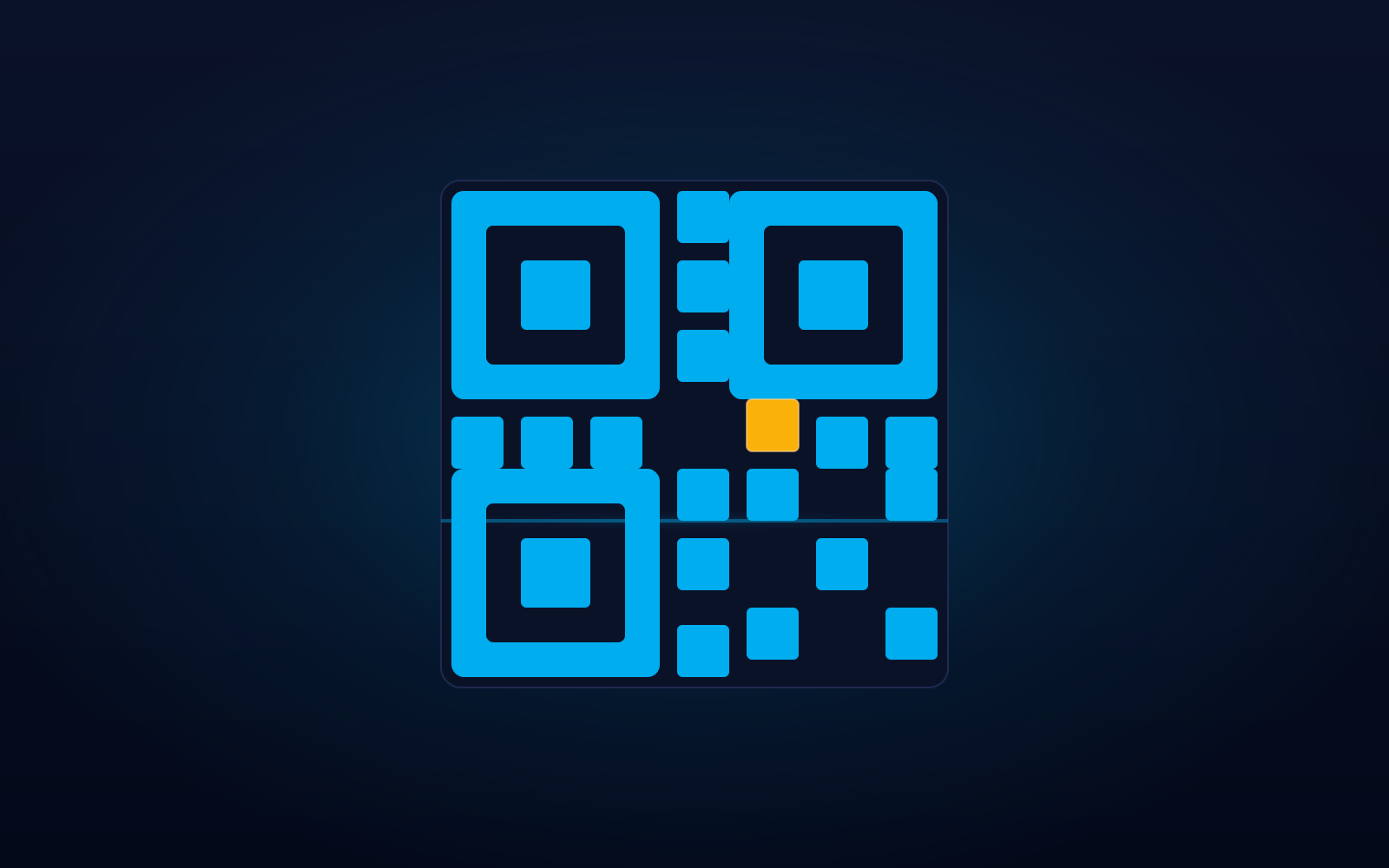
QR Code Generator

Generate QR codes for links, plain text, Wi-Fi, or vCard contacts — entirely in your browser, with nothing uploaded anywhere.

Price

Free

Runs offline · No account needed

Download — Free

A small ZIP (~0.6 MB). Unzip it and open index.html in your browser — the tool runs entirely offline and nothing is ever uploaded.

About this tool

A QR code generator that runs entirely in your browser. Supports: - Links (URLs) to websites and pages. - Plain text. - Wi-Fi credentials (SSID + password) — your guest joins with a single scan. - vCard contact cards (name, phone, email, etc.). Customise colour, size, and error-correction level. Export as crisp PNG or SVG. Every step runs locally — neither your data nor the generated codes are ever uploaded anywhere.

Screenshots

How it works

Getting started

qr-generator turns whatever you type into a scannable QR code, right on your device. The preview updates live as you fill in the form.

  • Pick a content type at the top (Text/URL, Wi-Fi, contact, and so on).
  • Fill in the form for that type.
  • Adjust the colours, size, and error-correction level if you want.
  • Download the result as a PNG (image) or SVG (crisp at any size).

What each content type does

The QR itself is the same technology; the difference is the text it carries, which tells the scanning phone what to do.

  • Text / URL — opens a web link or shows plain text.
  • Wi-Fi — the phone offers to join the network automatically (no typing the password).
  • Contact (vCard) — the phone offers to save the person as a contact.
  • Email — opens a new email to the address, optionally with subject and body.
  • SMS — opens a new text message to the number, optionally pre-filled.
  • Phone — starts a call to the number.
  • Geo — opens the map at the given latitude and longitude.

Colours, size & error correction

Error correction adds redundancy so a code still scans if it is slightly dirty or damaged — higher levels are more robust but pack the code more densely.

  • Foreground must be clearly darker than the background, or phones may fail to scan.
  • PNG is a normal image; SVG stays razor-sharp at any print size.
  • Levels: L (~7%), M (~15%), Q (~25%), H (~30%). M is a good default.

Your privacy

Everything happens inside your browser, on your device. There is no server, no internet request, and no account.

Nothing you type is uploaded, and the tool stores nothing after you close it.

Tips for reliable scanning

  • Keep strong contrast — dark code on a light background is safest.
  • Always test-scan with a real phone before printing at scale.
  • For small prints or busy content, raise the error-correction level.
  • Leave a light margin (quiet zone) around the code — the tool adds one for you.

Tags

  • #qr-code
  • #offline
  • #in-browser
  • #wifi
  • #vcard

ShadoApps

Clear requirements, interactive prototypes, and technical representation — plus tools we build ourselves.

Support links

  • About
  • Privacy policy
  • Terms of service
  • Refund policy
  • Contact

Find us

© 2026 ShadoApps. All rights reserved.