ShadoApps
PackagesWorkToolsAboutContact
  • Packages
  • Work
  • Tools
  • About
  • Contact

ShadoApps

Clear requirements, interactive prototypes, and technical representation — plus tools we build ourselves.

Support links

  • About
  • Privacy policy
  • Terms of service
  • Refund policy
  • Contact

Find us

© 2026 ShadoApps. All rights reserved.
ShadoApps
PackagesWorkToolsAboutContact
  • Packages
  • Work
  • Tools
  • About
  • Contact

ShadoApps

Clear requirements, interactive prototypes, and technical representation — plus tools we build ourselves.

Support links

  • About
  • Privacy policy
  • Terms of service
  • Refund policy
  • Contact

Find us

© 2026 ShadoApps. All rights reserved.
ShadoApps
PackagesWorkToolsAboutContact
  • Packages
  • Work
  • Tools
  • About
  • Contact
Back to all tools

life-os

New · Launch offer

Life Hub

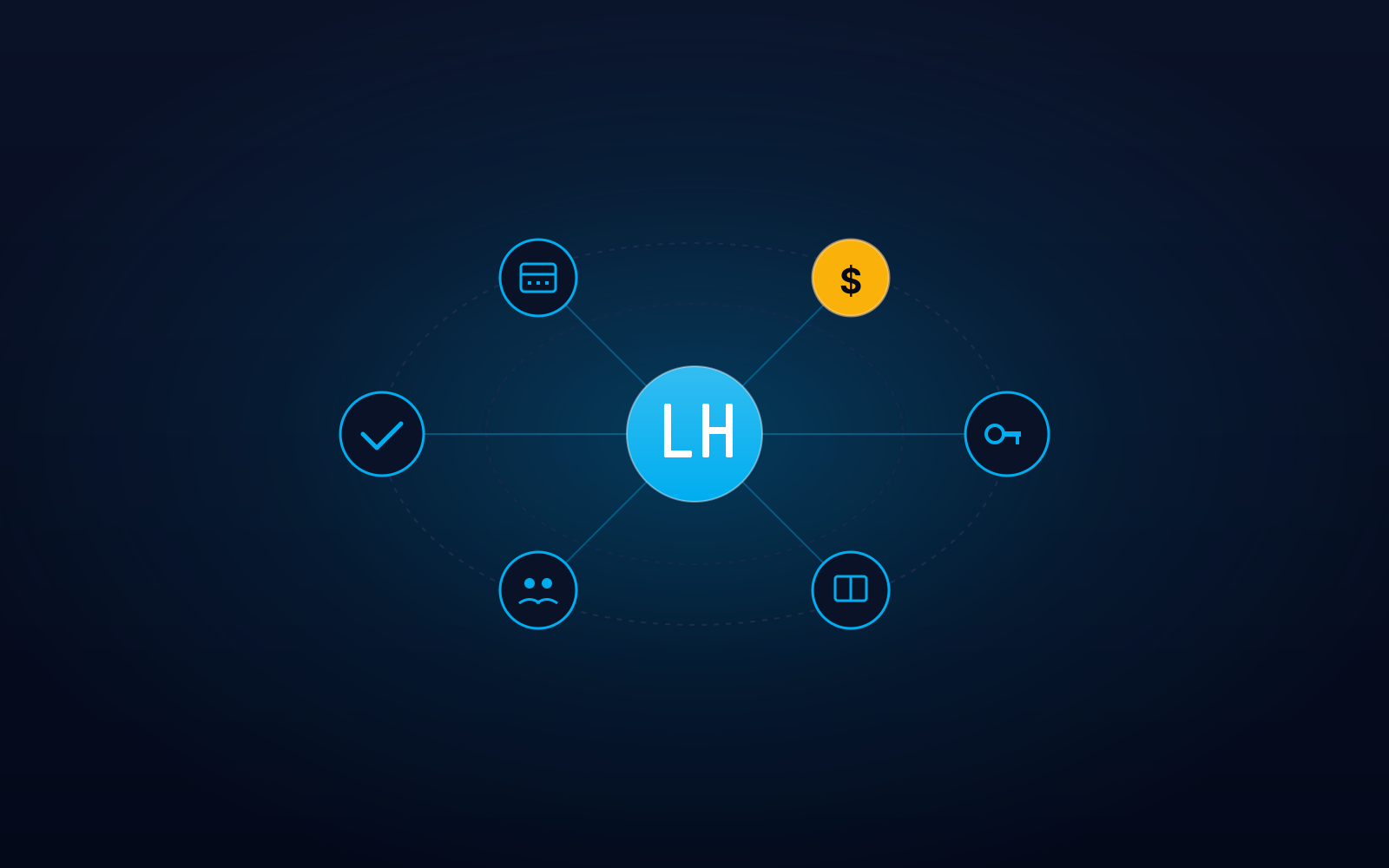
Your one app for every side of your digital life — tasks, projects, renewals, finance, family birthdays, knowledge, and an encrypted vault. Local-first, encrypted on your device, one-time purchase.

Starting from

$29

Available in two editions. Read the requirements and install steps before buying — pick the one that fits.

Choose an edition↓

Four things nothing else gives you

  • It knows your prayer times — and warns you when a meeting collides with one

    Prayer times computed offline from your coordinates, with a conflict warning shown on the dashboard, agenda, and calendar. Configure the calculation method, Asr madhab, and conflict buffer.

  • A complete legal-case module — for lawyers and small practices

    Case numbers, courts, parties, hearings, and deadlines — plus a deadline calculator that adds a period to a base date and saves the result. Your clients' data never leaves your machine.

  • Installment schedules generated automatically — down to the last unit

    Enter the total, the per-installment amount, and the first date. The full schedule is generated, the final installment absorbs the remainder so the parts sum exactly, and month-ends are handled correctly (Jan 31 → Feb 28 → Mar 31). Both directions: what you owe and what you're owed.

  • Multiple currencies — with no automatic conversion

    Every record keeps its own currency, with a separate summary per currency. No imposed exchange rates, no misleading totals. Built for people who earn in one currency and spend in another.

About this app

Life Hub is one app for every side of your digital life: tasks (one-off and recurring), personal finance, an encrypted vault for passwords and documents, projects, family birthdays, and a personal knowledge base. Two optional modules can be switched on in settings: offline prayer times (calculated from your coordinates, with conflict warnings when a scheduled item falls in a prayer window), and legal case tracking (cases, hearings, deadlines, and a deadline calculator). Everything is local-first — your data is encrypted on your machine and never leaves it — and the app ships in Arabic and English. One-time purchase, no subscription. Updates within the current version are always free. A future major version may be a paid upgrade, discounted for existing owners. Available as a Windows desktop install or as a self-hosted server install.

What's inside

  • Tasks (one-off and recurring)
  • Renewals — anything that expires: documents, licences, vehicles, cards
  • Personal finance with budgets
  • Installment plans — schedules generated automatically, in both directions
  • Budget — a monthly plan per currency
  • Encrypted vault for passwords & documents
  • Project management
  • Family birthdays
  • Personal knowledge base
  • Two optional modules: prayer times & legal case tracking
  • Full Arabic and English support
  • Local-first, encrypted on your device
  • No subscription — free updates within your version

Security & privacy

Your data never leaves your machine — not a promise, an architecture

No account, no sign-up, no internet required. There is no server receiving your data in the first place — nothing can leak from our side, because nothing is on our side.

Encryption — in detail, for those who want detail

The entire database is encrypted with ChaCha20-Poly1305.

The key is not derived directly from your password. It's envelope encryption: a random 32-byte data key does the actual encryption, wrapped by a key derived through Argon2id (128 MiB memory, four passes). That data key is wrapped twice — once under your master password, once under a 160-bit recovery key — and either one opens your data.

What's written to disk: non-secret material only. Your password, recovery key, and encryption keys are never written to disk and never logged. Ever.

The vault — an additional layer

Passwords and card details are encrypted at the field level on top of database encryption, so they never appear as plain text in search results, logs, or backups — even while the app is unlocked.

  • Secrets display as •••• and re-hide automatically ~20 seconds after being revealed
  • The copy button clears your clipboard automatically after ~20 seconds
  • Search finds vault entries by name only — secrets never appear in results

(Vault attachments are protected by full database encryption, not field-level encryption.)

What you must know before buying

There is no "forgot password" button.

Because we don't hold your key, we cannot open your data — and neither can support. If you lose both your master password and your recovery key, your data is permanently gone. No backdoor, no reset.

This is the same reason it's secure: a folder stolen from your machine is completely useless.

Save your recovery key somewhere safe the moment it's created. It is your only other way in.

What it doesn't do

So you don't buy something that doesn't fit

We'd rather you know now than discover it after paying:

  • No mobile app — neither iOS nor Android. Life Hub is a desktop system, for when you sit down to actually manage things.
  • No automatic sync between devices — moving data is manual, via export and restore. No cloud sync.
  • No multi-user support — one user, one master password. No accounts, no permissions, no sharing, no collaboration.
  • No cloud backup — backups are local files you keep yourself. We run no servers.
  • No macOS or Linux desktop build — Windows only. (Linux users can run the self-hosted edition.)
  • No CSV export, printing, or PDF reports — and no data import.
  • No browser extension.
  • No password recovery — by design, as explained above.

Pick the edition that fits

Each edition has different requirements and install steps. Read them before you hit Buy — what you see here is what you get, no surprises.

Desktop (Windows)

Install in a few clicks on your personal machine.

Launch offer

Regular price$29Launch price$19

Launch price, valid until January 31, 2027 — after that it returns to $29.

One-time purchase · free updates within your version

Requirements

  • Windows 10 or 11
  • ~130 MB free disk
  • No admin rights required

How to install

  1. 1Run the installer you receive after purchase.
  2. 2Launch the app from the desktop shortcut.
  3. 3Set the master password for your encrypted vault.

Windows install note

The installer isn't code-signed, so Windows shows a "Windows protected your PC" dialog. Click More info, then Run anyway. We mention this before purchase because a surprise after payment is worse than a heads-up before it.

Self-Hosted (Server)

Run it on your own server and use it from your browser.

Launch offer

Regular price$49Launch price$39

Launch price, valid until January 31, 2027 — after that it returns to $49.

One-time purchase · free updates within your version

Requirements

  • Docker (or Node.js 22 as fallback)
  • Any Linux distro or Docker-capable host
  • Modern browser to access from any device on your network

How to install

  1. 1Download the bundle and run: docker compose up -d
  2. 2Open the server address in your browser.
  3. 3Set the master password for your encrypted vault.

Inside the app

Frequently asked questions

Do I need an internet connection?
No. Life Hub works entirely offline — including prayer time calculation.
Where is my data stored?
On your machine only, in an encrypted folder. It's never sent to a server, and we hold no copy.
What if I forget my password?
Your recovery key, created on first launch, will open it. If you lose both, the data is permanently gone — we cannot recover it, because we don't hold your key.
Does it work on Mac or mobile?
No. The desktop edition is Windows 10/11 only, and there is no mobile app.
Does my data sync between devices?
There's no automatic sync. You can move your data manually by exporting a single file and restoring it on the other machine.
What's the difference between the editions?
The features are completely identical. Desktop installs on Windows; Self-Hosted runs via Docker on your own server and opens in a browser. If you're not comfortable with Docker, choose Desktop.
Does it support multiple users?
No. One user, one master password — no accounts, permissions, or sharing.
Why does Windows show a warning when installing?
Because the installer isn't code-signed, Windows shows a "Windows protected your PC" dialog. Click More info, then Run anyway.
Are updates free?
Updates within the current version are always free. A future major version may be a paid upgrade, discounted for existing owners.
Can I get a refund?
Yes, within 14 days of purchase.

User guide

Read the guide before or after you buy — it walks through every module and the settings.

Open the user guide (PDF)↗

Tags

  • #tasks
  • #finance
  • #vault
  • #projects
  • #family
  • #knowledge
  • #local-first
  • #encrypted

ShadoApps

Clear requirements, interactive prototypes, and technical representation — plus tools we build ourselves.

Support links

  • About
  • Privacy policy
  • Terms of service
  • Refund policy
  • Contact

Find us

© 2026 ShadoApps. All rights reserved.